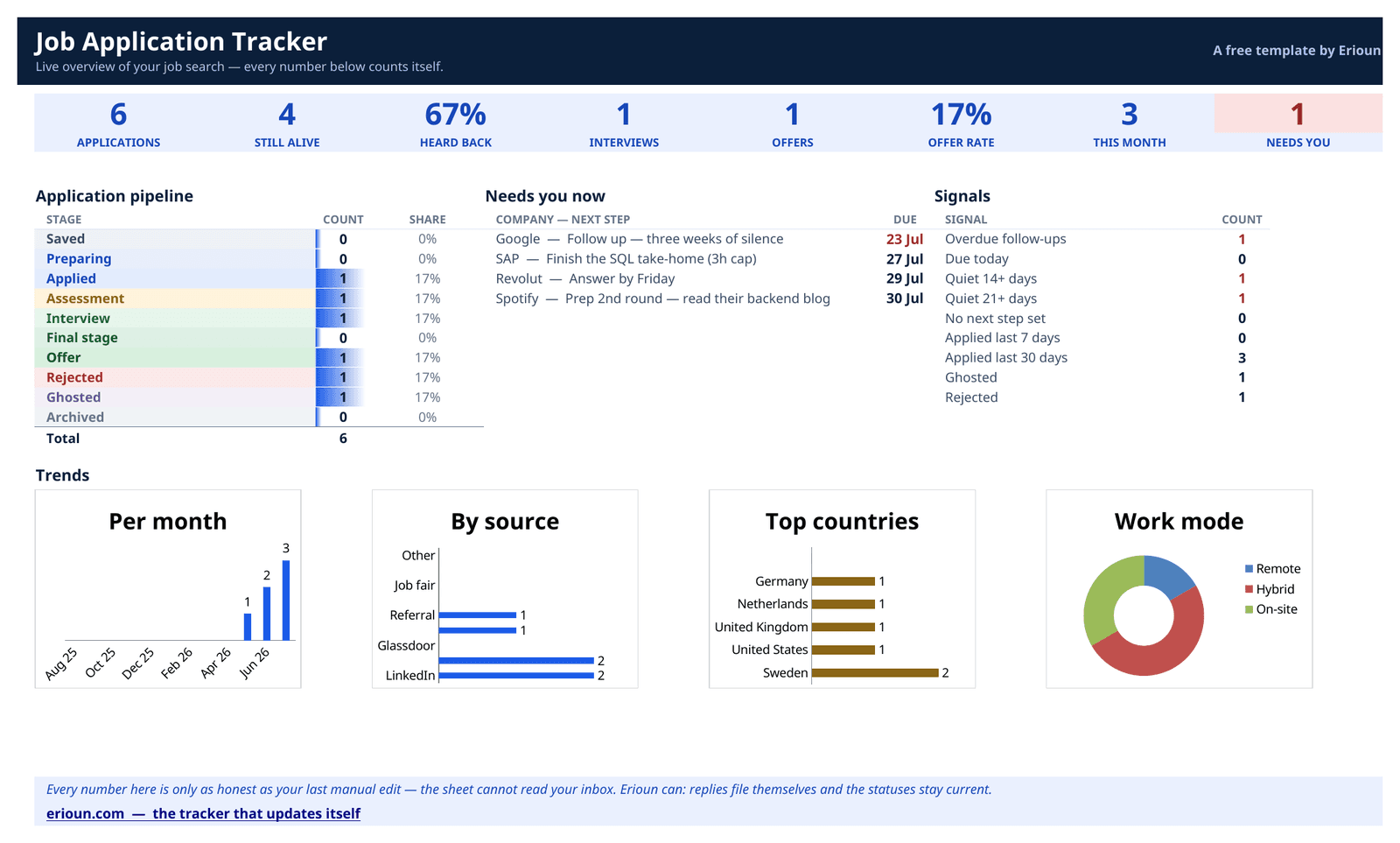

Job application tracker for Excel
A ready-made .xlsx with 13 columns, a ten-stage status dropdown, a frozen header row and filters already switched on. No macros, no formulas to break — just a tidy sheet and three example rows to overwrite.
What's inside the Excel template
13 columns — the ones that answer “what did I send, to whom, and what's next?” — and not one more.
Company
Who you applied to.
Role
The exact title from the posting.
Status
One of ten stages, Saved through Archived.
Applied on
The date it actually went out.
CV version sent
Which CV they have — the thing everyone forgets.
Last reply
When you last heard from them.
Next action
The one thing to do next.
Next action date
When to do it. Sort by this column each morning.
Contact
Recruiter or hiring manager, if you have one.
Source
Where you found the role.
Job URL
The posting, before it disappears.
Salary range
Posted or guessed — mark which.
Notes
Anything future you will want to know.
Status stages: Saved · Preparing · Applied · Assessment · Interview · Final stage · Offer · Rejected · Ghosted · Archived — the same ten stages Erioun uses, so moving up later is a rename-free experience.
How to use it
Download and open the file
Grab the .xlsx below and open it in Excel 2016 or newer, Excel for the web, LibreOffice or Google Sheets — no macros, so nothing to enable.
Add a row per application
The moment you apply, log company, role, date and the CV version you sent. Three example rows show the idea — overwrite them.
Update status from the dropdown
When a reply lands, pick the new stage in the Status column (Saved through Archived) and note the date in Last reply.
Filter and sort to plan your day
The header row has autofilter on: sort by Next action date each morning, or filter Status to see everything waiting on you.
Get the Excel template
Free, no macros, yours to keep. Enter your email and the download unlocks right here.
Frequently asked
Does the Excel template work in LibreOffice or Excel for the web?
Yes. It's a standard .xlsx with data validation only — no macros, no add-ins — so it opens cleanly in Excel 2016+, Excel for the web, LibreOffice Calc and even Google Sheets.
Are there macros or formulas in the file?
No macros at all, and no formulas to accidentally break. The only "smart" part is the status dropdown, which is plain Excel data validation. Your antivirus can relax.
How does the status dropdown work?
Click any cell in the Status column and a dropdown offers the ten stages: Saved, Preparing, Applied, Assessment, Interview, Final stage, Offer, Rejected, Ghosted, Archived. The list lives on a hidden sheet, so you can extend it if you must.
Can I move from the spreadsheet into Erioun later?
Yes. Save the sheet as CSV and use Erioun's import — your history comes across as applications. From there, new replies file themselves instead of waiting for you and column F.
Prefer a different format?
Same columns, same statuses — only the typing surface changes.
Google Sheets
The browser-native option. Works everywhere, shares easily, syncs on its own.
Almost ready — get notifiedNotion
A database with board, table and calendar views. For people whose life already lives in Notion.
Almost ready — get notifiedApple Numbers
For the Mac and iPhone crowd. Native Numbers file with pop-up status menus, synced over iCloud.
Almost ready — get notifiedThis is the manual version.
Erioun fills itself in — every application gets its own email address, replies file themselves and statuses stay current. You're always one tap from adjusting, and nothing is ever sent without you.